PVZ Fusion APK v3.9 Free Download (2026) – Plants vs Zombies Fusion

| Name | PVZ Fusion APK |
| Version | V3.9 |
| File Size | 500–590 MB |
| Category | Strategy / Tower Defense |
| Rating | 4.8+ |
| Developer | LanPiaoPiaoFly (BlueFly) |
| License | Free |
| Requirements | Android 5.0 or above |
| Last Updated | 16 August 2026 |
| Languages | English, Chinese, Spanish, Portuguese, Indonesian, and more |
The classic Plants vs Zombies formula gets old fast once you have played it a few times. Same plants in the same spots, same zombies walking in from the right side of the screen. PVZ Fusion Apk breaks that pattern completely. Instead of placing one plant per tile and hoping it does enough damage, you stack two plants together and watch them merge into something the original game never had. A Peashooter that also grows sun. A Wall-nut that bites back. Hundreds of these pairings exist, and version 3.9 adds even more on top of an already huge roster.
This is a fan-built mod, not an official PopCap or EA release, so it lives outside the Play Store. That means a direct APK install, which we walk through further down. Everything on this page covers the current build, what changed in it, and how to get it running on your phone, your PC, or your iPhone.
What is PvZ Fusion Mod APK?
PvZ Fusion Apk is a community-made overhaul of Plants vs Zombies built on the Unity engine, created by a Chinese developer who goes by LanPiaoPiaoFly (also known online as BlueFly) on the Bilibili platform. The project’s Chinese title translates to “Fusion,” and some players refer to it by the shorthand PvZ RH.
The idea driving the whole mod is simple to explain but changes everything once you actually play it: two plants placed on the same tile merge into one hybrid unit that carries traits from both parents. A Sunflower dropped onto a Peashooter, for example, turns into a plant that fires peas while also generating sun income. That single mechanic reshapes how every level plays out, because you’re no longer thinking about one plant at a time, you’re thinking about combinations.
The mod is entirely free, has no forced payments, and comes packed with everything already unlocked in most of the versions distributed here – plants, fusion recipes, and game modes included from the first launch.
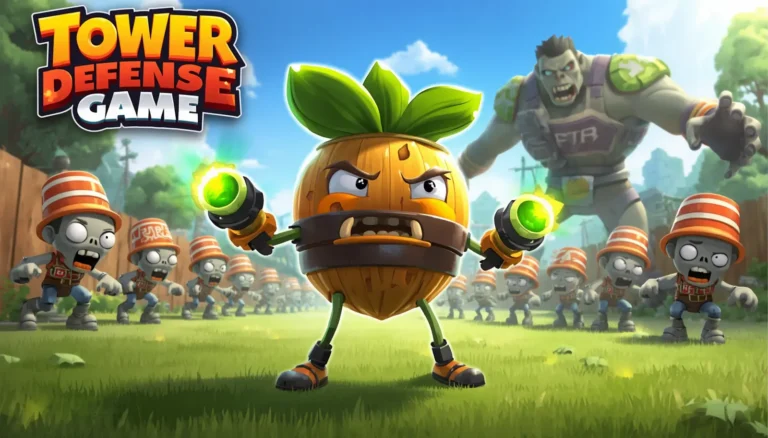
Gameplay Video of PVZ Fusion Game
Reading about fusions only gets you so far. Watching two plants actually snap together on the lawn, then seeing that new hybrid tear through a wave of zombies, makes the whole system click a lot faster. Check the gameplay footage below to see the fusion mechanic, the difficulty curve, and the overall pace of a real match before you commit to downloading.
What’s New in the Latest Version of PvZ Fusion?
Version 3.9 landed on 16 August 2026, and it’s not a small patch. Fresh plants, tougher enemies, sharper visuals, and a Zen Garden that’s finally worth visiting again, here’s the full rundown.
New Plants
This build adds a fresh batch of hybrids across nearly every fusion tier. On the Odyssey side you get units like Krakerbiller and Ultimate Firnace. The upgraded tier brings in Rush Commando, Golden Hypno, and Scaredy Snipea. A handful of infusible fusions also joined the roster, Echo Pumpkin and Doubloon Kelpling among them, plus a long list of common fusions such as Coin-shroom, Bank-shroom, Cherry Pop, Chompy-shroom, and Doombrella. With the fusion count now sitting past 470, there’s a genuinely huge amount to experiment with.
Tougher Zombies
The zombies stopped playing fair a while back, and 3.9 pushes that further. Some boss-tier enemies now heal nearby allies instead of just walking forward, and others fire projectiles straight back at your defense line. The Obsidian Gargantuar in particular shrugs off even your strongest hybrid attacks, beating it takes a real plan, not just your biggest plants stacked in one lane. New additions this round include boss zombies like Vengeful Striker and Vengeful Jackson Worldwide, a fusion-exclusive Vaulter Football Zombie, and a new Zombotany unit called Squalour Zombie.
Improved Graphics
Fusion animations read a lot cleaner now, you can actually watch two plants merge in real time instead of guessing whether it worked. Colors are brighter, details are sharper, and during fast-paced waves that extra clarity actually matters, since you can confirm a fusion landed without pausing to check a menu.
Zen Garden Overhaul
The Zen Garden used to be a side activity most players skipped after the early levels. That changes here — plants grown in the garden now hand out bonuses that carry real weight in battle, not just coins. If you’ve been ignoring it, this update is the reason to go back.
Prominent Features of PvZ Fusion Mod APK
Beyond the version-specific additions, here’s what makes the mod stand apart from a normal PvZ install on a day-to-day basis.
Unlimited Hybrid Plants
The fusion system built from common fusions, upgraded fusions, advanced/super fusions, titan fusions, and odyssey fusions is the real core of PvZ Fusion. Named hybrids like Doom-shroom, Blast Spinner, Lunisolar Honeysuckle, and Contain-mint show how a single plant fusion formula can turn a basic Peashooter into a multi-role hybrid plant. Where the original Plants vs Zombies gives every plant one fixed job, this mod’s hybrid plant system lets one unit attack, generate sun, and slow zombies at once.
High-Quality Visuals and Sounds in Game
PvZ Fusion pairs sharper hybrid plant animations with layered sound design, zombie growls, impactful plant attacks, and a battle score that intensifies as each wave escalates. The 3.9 update’s graphics overhaul makes fusion animations easier to track mid-fight, which matters during hectic tower-defense waves. Overall, the audio-visual polish puts this fan-made mod ahead of most Android strategy games in its category.
Mini Games & Puzzles
Completing mini-games and puzzles scattered across Adventure Mode levels rewards you with coins, seeds, and DNA Crystals. Those resources feed straight back into the fusion zone, letting you unlock new hybrid plants and expand your fusion tree faster. Several of these challenges also hide bonus treasures, rewarding players who explore beyond the main campaign path.
Performance
PvZ Fusion runs on the Unity engine with smooth 60FPS-level animation even during dense zombie waves, avoiding the lag common in lower-optimized mobile mods. The interface stays clean and readable, and level-to-level load times stay short. For a fan-made APK, this level of performance optimization is a big reason it’s become the most-played PvZ fusion mod on Android.
Difficulty Levels
PvZ Fusion offers multiple difficulty tiers, from Easy and Casual up through Veteran, Merciless, and the toughest “Are You Sure?” setting, before you reach the final boss, Dr Zomboss. Each tier raises zombie count, zombie resistance, and zombie speed, demanding sharper hybrid plant strategy as you climb. This scaling difficulty curve keeps both new players and veteran PvZ Fusion fans engaged deep into the Adventure Mode campaign.
Evolving Enemies
Unlike the original Plants vs Zombies, the zombies here evolve alongside your fusion plants instead of staying static. Enemies like the Obsidian Gargantuar and Z-Tech robot zombies adapt to counter common defensive setups, meaning a hybrid lineup that worked on early levels can fail on later ones. This evolving-enemy design is what keeps the PvZ Fusion campaign from feeling repetitive.
Single and Multiplayer Modes
Beyond the single-player Adventure Mode, PvZ Fusion includes a PvP Arena where your fusion plant lineup battles another player’s, plus a Cooperative Defense mode for shared hybrid-plant strategy with a friend. Both multiplayer formats let you test fusion combinations outside the campaign’s fixed difficulty curve. For a fan-made mod, this multiplayer depth is more developed than most similar Android tower-defense games offer.
No Ads
PvZ Fusion runs completely ad-free, with no banner ads, no forced reward videos, and no pop-ups breaking up a level. That’s a real shift from ad-heavy titles like the official Plants vs Zombies 2. You install the APK once and play straight through every Adventure Mode, Survival Mode, and Puzzle Mode session without interruption.
All Features Unlocked
Most builds on this page ship with all plants, all fusion recipes, and every game mode unlocked from the first launch, including unlimited sun and zero planting cooldown. Nothing sits behind a premium paywall or a forced grind. That means less time unlocking hybrid plants and more time actually building fusion strategies against Dr Zomboss and his army.
Active Community and Regular Updates
Developer BlueFly (LanPiaoPiaoFly) and a small team, artist Gfishtus, animator Landie, and tester MengLuo, have shipped regular PvZ Fusion updates since the mod’s first public release in mid-2024. A large, active Discord community shares fusion combinations, reports bugs, and shapes future patch content. That steady update cadence is a major reason PvZ Fusion has become the most talked-about Plants vs Zombies mod on Android.
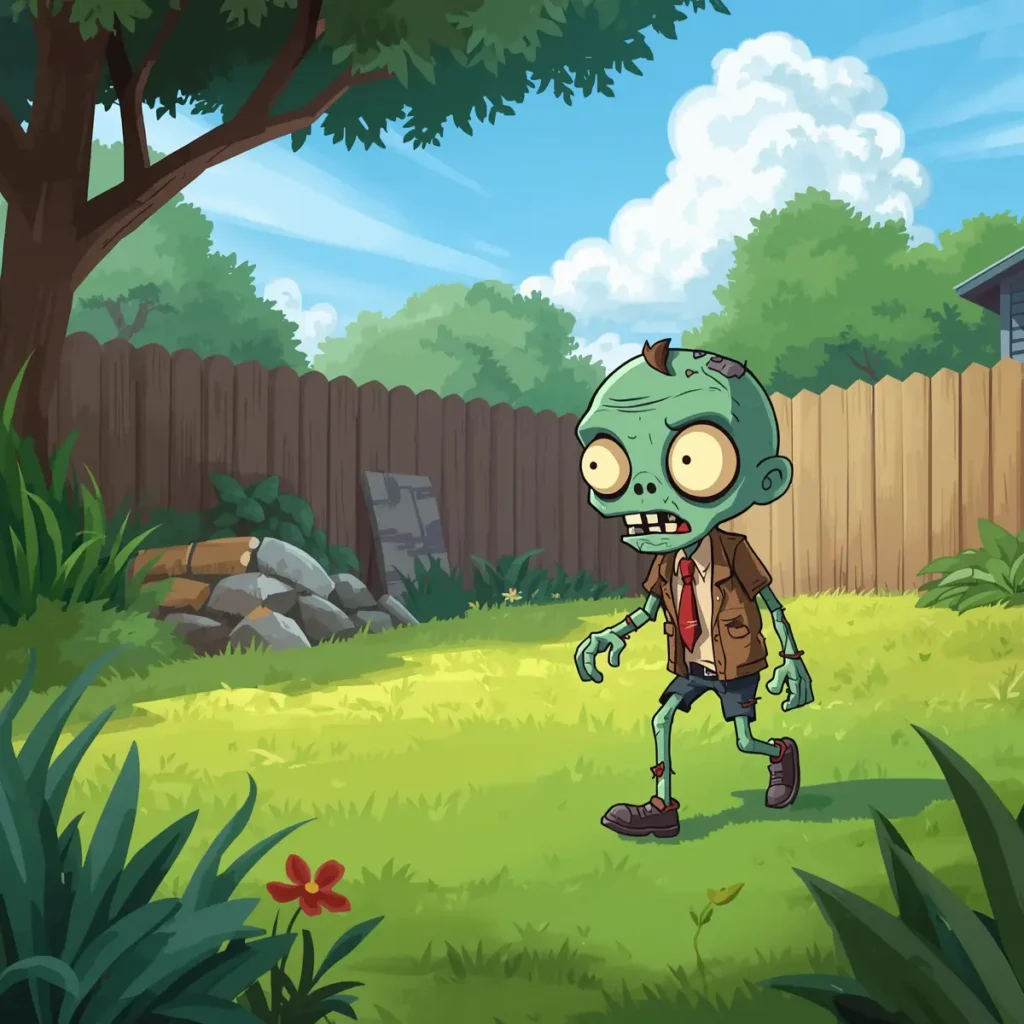
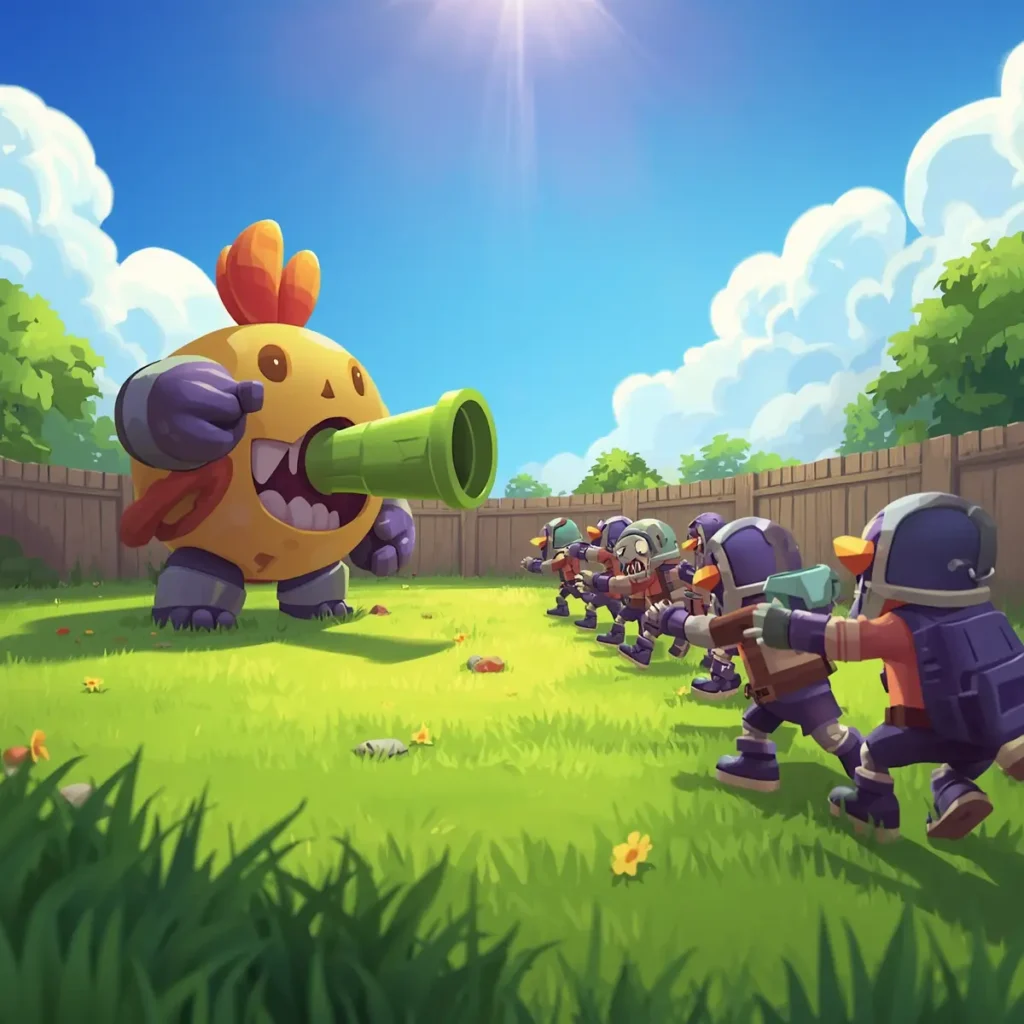
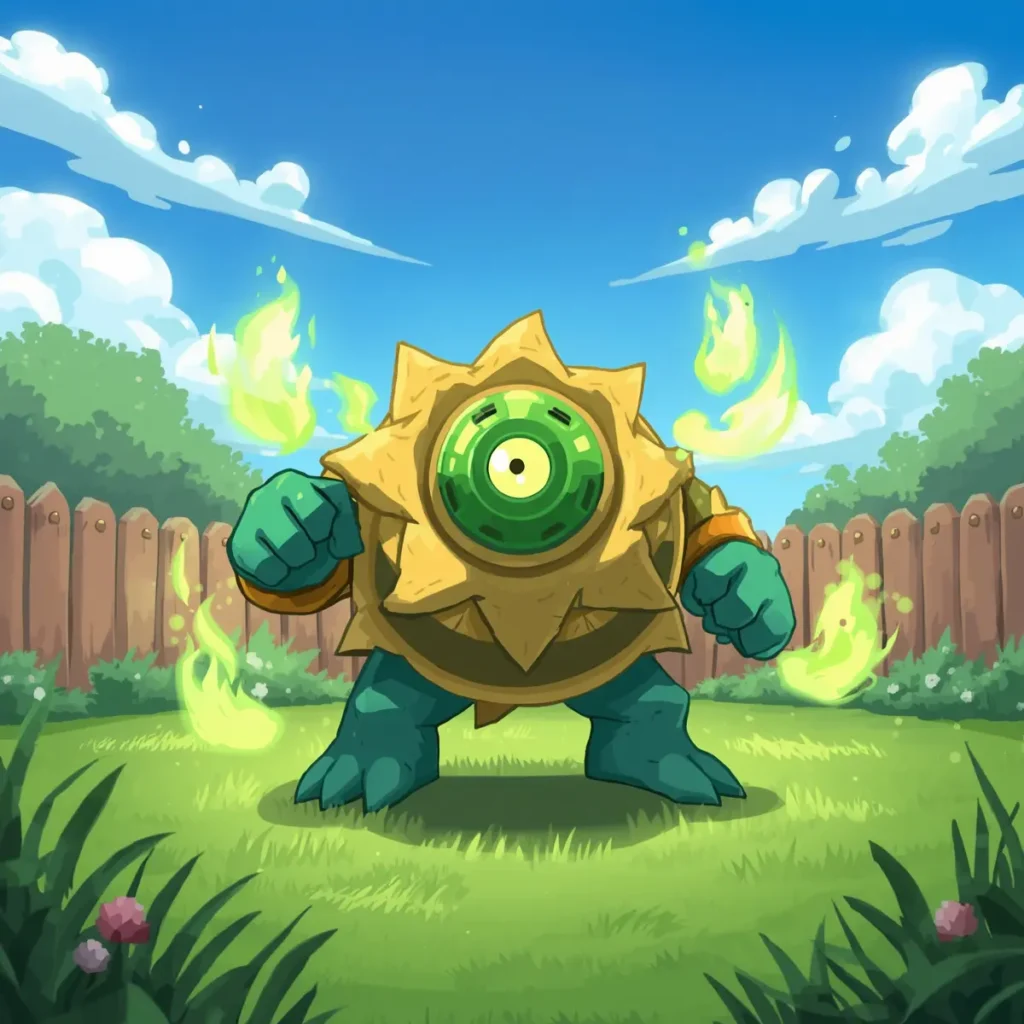
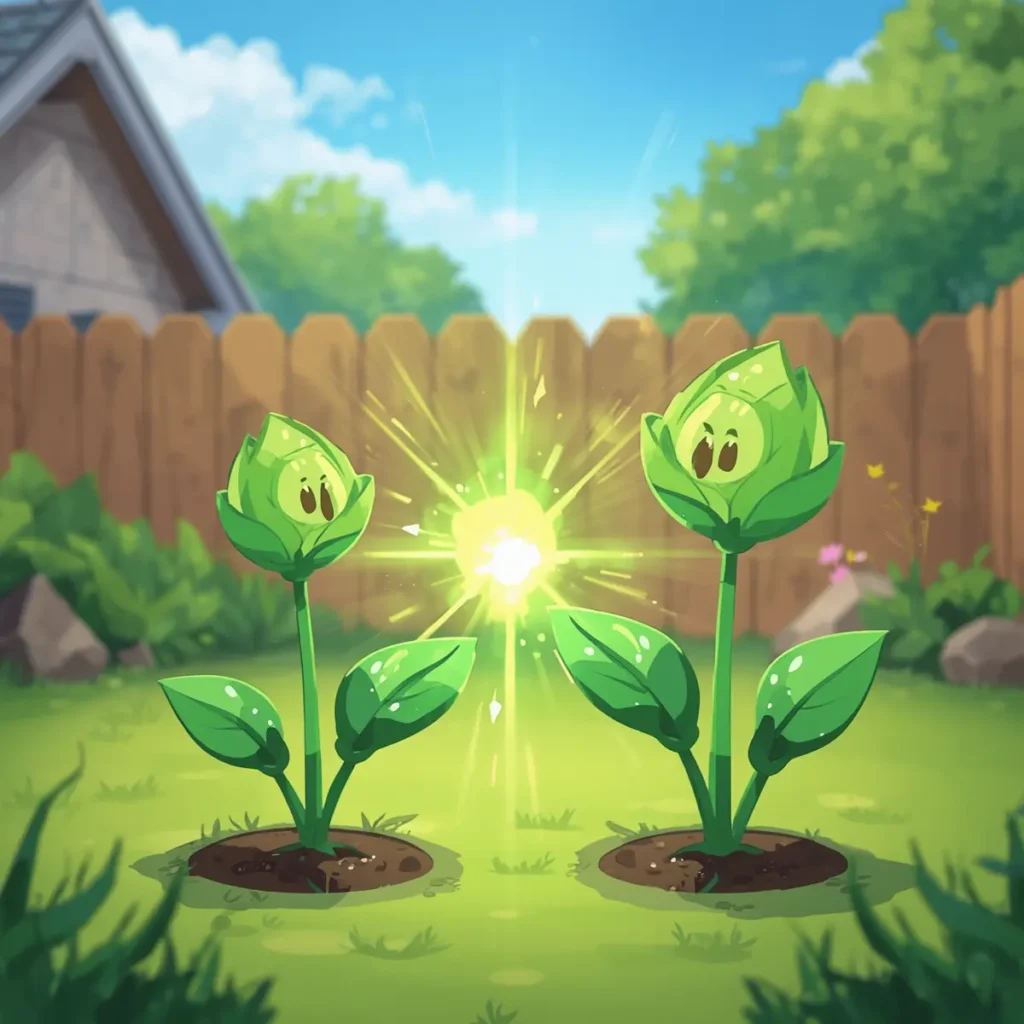
Screenshots:
How to Download PvZ Fusion Mod APK for Android
Getting the APK onto your phone only takes a few minutes once you know the steps.
Other PVZ Fusion Mods or Variants
The Pvz Fusion Apk mod isn’t the only spin-off built on top of the original Plants vs Zombies formula. A handful of other fan projects have grown their own following, each with a different twist on the core gameplay:
- PVZ Fusion Niejo
- PvZ Shooting
- PvZ Ecology
- PVZ Fusion Expanded
- Plant vs Zombie Fusion Plus
- PVZ Magical Hybrid
- PvZ Tower Defense
- PVZ Hybrid
PVZ Fusion For PC
Prefer a bigger screen and a mouse over a touchscreen? The PC build carries over the same new plants, tougher zombies, and fusion powers as the Android version, and it doesn’t need an emulator to run — it installs directly on Windows.
PVZ Fusion For iOS
iPhone and iPad players aren’t left out either. Since it’s not distributed through the App Store, getting it running on iOS means sideloading, which takes a couple of extra steps compared to Android but isn’t complicated once you know the process.
PVZ Fusion For Old Versions
Not every device runs the newest build smoothly, and some players just prefer an earlier version for performance or nostalgia reasons. Older releases remain available for download if the current version doesn’t suit your setup.
System Requirements For Downloading PVZ Fusion
Check your device against these before downloading to avoid a rough install.
Android Requirements
PC Requirements
iOS Requirements
Different Gaming Modes in PvZ Fusion Apk
Adventure Mode
This is the entry point, five worlds (Day, Night, Pool, Fog, and Roof), ten levels apiece, difficulty climbing steadily the further you go. Early stages teach you the fusion basics with simple pairings; by the time you reach the later worlds, you’re juggling half a dozen different hybrid types at once. It wraps up with a Dr Zomboss showdown that actually requires preparation rather than just throwing your strongest plants at the screen.
Survival Mode
Endless waves, with the twist that you can swap your plant lineup between rounds instead of committing to one setup for the whole match. Normal difficulty runs five flags, hard mode doubles that to ten with meaner zombies in between. Some runs end with a Zombot Titan boss fight that demands your best fusion combinations to survive.
Puzzle Mode
Unlocks once you clear the campaign, and splits into two distinct challenges. Vasebreaker has you smashing vases that might contain a helpful plant or an unwelcome surprise zombie, you won’t know which until it’s already broken. I, Zombie flips the whole game around: you control the zombies trying to break through a defensive line and reach the brains at the end. It’s a genuinely different way to think about plant placement once you go back to normal play.
Zen Garden
The low-pressure corner of the game. Water your plants, fertilize them, keep pests off with bug spray, and watch them grow from seedlings into full-grown plants that hand out coins once mature. After a rough Survival run, a few minutes here is a nice change of pace, and since the recent overhaul, the rewards actually carry over into combat performance too.
Most Downloaded Versions of PVZ Fusion APK
The mod has gone through a long list of updates since its first release, and certain builds picked up a bigger following than others for stability or specific feature additions. Here’s a quick look at the most requested older versions.
PVZ Fusion 2.1.4 APK
One of the earlier stable builds, notable for expanding compatibility with mid-range phones and cutting down on unexpected crashes. The fusion system was already solid at this point, though a few optimization rough edges hadn’t been ironed out yet.
PVZ Fusion 2.1.5 APK
Focused heavily on stability and rebalanced a few plants that had gotten too strong. The interface felt more polished overall, and it’s still a popular pick for players who want good performance without the resource demands of newer builds.
PVZ Fusion 2.1.6 APK
Brought smoother hybrid plant animations and adjustments to zombie behavior, along with fixes to some save-game bugs that had been floating around.
PVZ Fusion APK 2.1.7
Widely considered one of the best-balanced releases in the whole update history — stable, packed with strong new fusion combinations, and lighter on device resources than what came later.
PVZ Fusion 2.1.8 APK
Added visual polish to attack effects and explosions, plus noticeably better touch responsiveness, which matters a lot in fast-paced matches.
PVZ Fusion 2.2 APK
A bigger content jump than most updates around it, adding new hybrids, tougher zombies, and a more refined fusion system with greater strategic variety.
PVZ Fusion 2.2.1 APK
A cleanup patch aimed at fixing crashes and menu glitches, with noticeable performance gains on 3GB RAM devices specifically.
PVZ Fusion APK 2.2.2
Rebalanced several hybrid plants to stop matches from feeling too easy, and trimmed down the initial loading time.
PVZ Fusion 2.3 APK
Expanded the level count and introduced more varied hybrid zombies, nudging the overall difficulty up and forcing more careful combo planning.
PVZ Fusion APK 2.4
Improved graphics performance and tightened up Survival Mode for longer, more stable runs, alongside small interface cleanups.
PVZ Fusion 2.8 APK
One of the most complete entries in the 2.x line — new fusions, better optimization, and sharper visual effects, all without sacrificing the stability that made earlier builds popular.
Advantages and Disadvantages of PVZ Fusion APK
Advantages
Disadvantages
| Easy to play and learn |
| Fusion system makes gameplay more fun |
| Works offline |
| Free to download and play |
| Extra features and mod options |
| Not an official game |
| Safety risk from unknown websites |
| Manual installation required |
| May not work on all devices |
| No official support or updates |
PVZ Fusion APK FAQs
Final Verdict
If the original Plants vs Zombies has started feeling repetitive, PVZ Fusion APK is the mod that fixes that. It keeps the same familiar plants and zombies at its core, but the fusion mechanic changes the entire way you approach a level. Instead of just filling lanes, you’re building combinations and experimenting with powerful hybrids. Version 3.9 adds fresh hybrids, harder bosses, and a Zen Garden that’s finally worth your time again. It’s free, runs well across Android, PC, and iOS, and the English build is ready to go straight from the download. Grab the latest version from this page and see what the fusion system is all about.